 EduSchoolConnect
Timetables
Timetables and organising the year
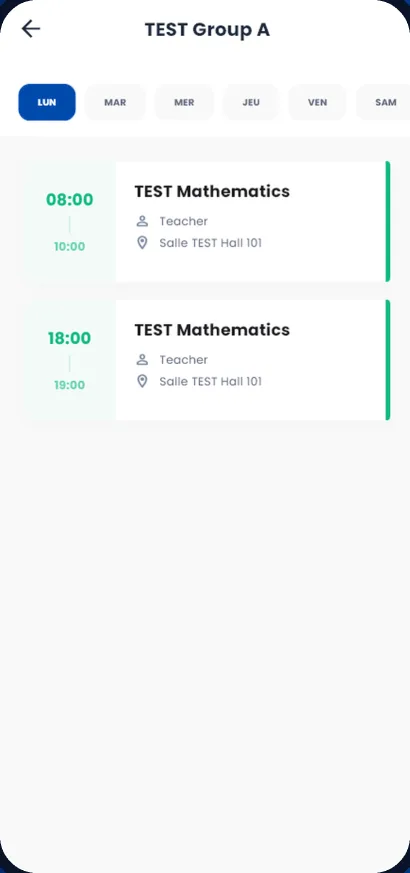
School years, semesters, levels, classes, subjects and rooms: the organisation is set up once, and everyone sees their timetable on their phone.
- Timetable by class, teacher and room
- Holidays and events in a shared calendar
- Timetable import from Excel
Organisation
- School years and semesters
- Levels, classes and groups
- Subjects and sub-subjects
- Rooms
Day to day
- Lessons and lesson sheets
- General calendar, holidays and events
- Moving students up to the next year
- Excel import and export
Frequently asked questions
Do parents see the timetable?
Yes, parents, students and teachers see the timetable in the app.
See EduSchoolConnect with your own classes.
A demo tailored to your school, with no commitment. We answer your questions about your fees, your classes and moving your existing data.
Or contact us: +212 664-484584 · [email protected]